
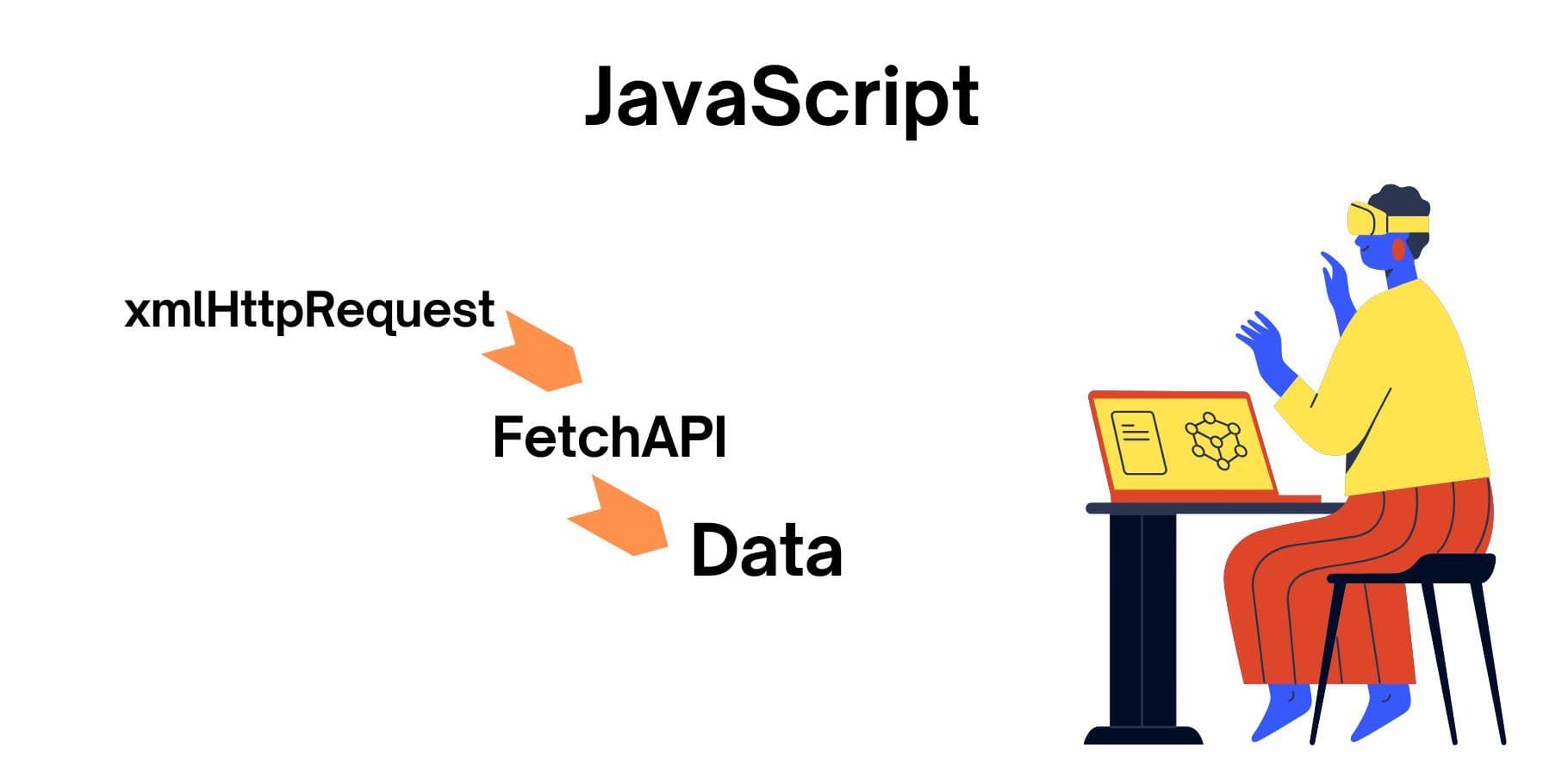
Using the fetch API with TypeScript has become a popular approach in building reliable, secure applications for sensitive domains, including fintech. This combination allows you to handle HTTP requests, manage credentials securely, and maintain strong typing for data consistency. In this post, we’ll explore how to leverage these tools to make API calls in a fintech environment, focusing on security, error handling, and reusable code practices.
This guide covers:
- Setting up TypeScript types and a fetch wrapper.
- Creating HTTP methods (GET, POST, PUT, PATCH, DELETE).
- Handling credentials securely.
- Putting it all together with examples and error handling.
1. Setting Up Types and Fetch Wrapper
We begin by defining TypeScript interfaces for API responses and creating a reusable fetch wrapper with timeout and error-handling functionality.
1.1 Define Response Types
Let’s define types for commonly returned data in fintech applications in types.ts. This provides consistent typing and helps manage structured data like stock prices or transactions.
// Generic API response type
export type ApiResponse<T> = {
  success: boolean;
  data: T;
  error?: string;
};

// Stock data type
export interface StockData {
  symbol: string;
  price: number;
  change: number;
}

// Transaction data type
export interface Transaction {
  id: string;
  amount: number;
  date: string;
  type: 'credit' | 'debit';
}
1.2 Create a Fetch Wrapper with Timeout and Error Handling
Next, we create fetchWrapper.ts, a reusable function that provides error handling and a timeout feature to avoid hanging requests.
import { ApiResponse } from './types';

export async function fetchWithTimeout<T>(url: string, options: RequestInit = {}, timeout = 5000): Promise<ApiResponse<T>> {
  const controller = new AbortController();
  const id = setTimeout(() => controller.abort(), timeout);

  try {
    const response = await fetch(url, { ...options, signal: controller.signal });
    clearTimeout(id);

    if (!response.ok) throw new Error(`HTTP Error: ${response.statusText}`);

    const data = await response.json();
    return { success: true, data };
  } catch (error) {
    return { success: false, error: (error as Error).message, data: null as unknown as T };
  }
}
This function:
- Uses AbortController to set a timeout.
- Returns a standardized ApiResponse<T> format, providing consistent access to success, data, and error information across all API calls.
2. Creating HTTP Methods
With our fetchWithTimeout function ready, we can now define helper functions for GET, POST, PUT, PATCH, and DELETE requests. Each function includes error handling to catch and log specific issues.
import { fetchWithTimeout } from './fetchWrapper';
import { ApiResponse, StockData, Transaction } from './types';

// GET request example
export async function getStockData(symbol: string): Promise<ApiResponse<StockData>> {
  try {
    const url = `https://api.example.com/stocks/${symbol}`;
    return await fetchWithTimeout<StockData>(url, { method: 'GET' });
  } catch (error) {
    console.error('Error fetching stock data:', error);
    return { success: false, error: (error as Error).message, data: null as unknown as StockData };
  }
}

// POST request example
export async function createTransaction(transaction: Transaction): Promise<ApiResponse<Transaction>> {
  try {
    const url = `https://api.example.com/transactions`;
    const options: RequestInit = {
      method: 'POST',
      headers: { 'Content-Type': 'application/json' },
      body: JSON.stringify(transaction),
    };
    return await fetchWithTimeout<Transaction>(url, options);
  } catch (error) {
    console.error('Error creating transaction:', error);
    return { success: false, error: (error as Error).message, data: null as unknown as Transaction };
  }
}

// PUT request example
export async function updateStockData(stockSymbol: string, updatedData: Partial<StockData>): Promise<ApiResponse<StockData>> {
  try {
    const url = `https://api.example.com/stocks/${stockSymbol}`;
    const options: RequestInit = {
      method: 'PUT',
      headers: { 'Content-Type': 'application/json' },
      body: JSON.stringify(updatedData),
    };
    return await fetchWithTimeout<StockData>(url, options);
  } catch (error) {
    console.error('Error updating stock data:', error);
    return { success: false, error: (error as Error).message, data: null as unknown as StockData };
  }
}

// PATCH request example
export async function patchTransaction(transactionId: string, updateFields: Partial<Transaction>): Promise<ApiResponse<Transaction>> {
  try {
    const url = `https://api.example.com/transactions/${transactionId}`;
    const options: RequestInit = {
      method: 'PATCH',
      headers: { 'Content-Type': 'application/json' },
      body: JSON.stringify(updateFields),
    };
    return await fetchWithTimeout<Transaction>(url, options);
  } catch (error) {
    console.error('Error patching transaction:', error);
    return { success: false, error: (error as Error).message, data: null as unknown as Transaction };
  }
}

// DELETE request example
export async function deleteTransaction(transactionId: string): Promise<ApiResponse<null>> {
  try {
    const url = `https://api.example.com/transactions/${transactionId}`;
    const options: RequestInit = { method: 'DELETE' };
    return await fetchWithTimeout<null>(url, options);
  } catch (error) {
    console.error('Error deleting transaction:', error);
    return { success: false, error: (error as Error).message, data: null };
  }
}
3. Secure Credential Handling
Fintech applications frequently use API tokens or keys for authorization. To handle them securely:
Environment Variables: Store sensitive data in environment variables, never hardcode them.
Bearer Tokens: Use tokens to access APIs securely.
Credentials Option: Set credentials: 'include' when necessary to send cookies securely.
Environment Variables (.env)
API_TOKEN=your-secure-tokenimport { fetchWithTimeout } from './fetchWrapper';
import { ApiResponse, AccountData } from './types';
const API_TOKEN = process.env.API_TOKEN;
export async function fetchAccountData(): Promise<ApiResponse<AccountData>> {
const url = `https://api.example.com/account`;
const options: RequestInit = {
method: 'GET',
headers: {
'Authorization': `Bearer ${API_TOKEN}`,
'Content-Type': 'application/json',
},
credentials: 'include',
};
return await fetchWithTimeout<AccountData>(url, options);
}
Best Practices:
- HTTPS: Always use HTTPS to secure API requests.
- Token Expiry: Use short-lived tokens and refresh them periodically.
- Environment-Specific Configurations: Use different tokens and settings for development, staging, and production.
4. Putting It All Together: Sample Usage in Application
Here’s an example of using these methods in an application, with try-catch handling to gracefully manage unexpected issues.
import { getStockData, createTransaction } from './api';

// Display stock data with error handling
async function displayStockData(symbol: string) {
  try {
    const response = await getStockData(symbol);
    if (response.success) {
      console.log('Stock Data:', response.data);
    } else {
      console.error('Error fetching stock data:', response.error);
    }
  } catch (error) {
    console.error('Unexpected error while displaying stock data:', error);
  }
}

// Create a transaction with error handling
async function addTransaction(transaction: Transaction) {
  try {
    const response = await createTransaction(transaction);
    if (response.success) {
      console.log('Transaction added successfully:', response.data);
    } else {
      console.error('Error creating transaction:', response.error);
    }
  } catch (error) {
    console.error('Unexpected error while adding transaction:', error);
  }
}

// Run examples
displayStockData('AAPL');
addTransaction({ id: '12345', amount: 1000, date: '2023-10-26', type: 'credit' });
Conclusion
Handling sensitive data in fintech applications requires a secure, type-safe, and robust approach. By combining JavaScript’s fetch API with TypeScript, you can create reusable, error-handling API methods while maintaining strong typing to ensure data integrity. The fetchWithTimeout function, combined with TypeScript’s static types, adds reliability, while environment-based credential management keeps sensitive information secure.
These techniques—environment variable storage, standardized error handling, and consistent API response types—are essential for building scalable, secure applications that can meet the high standards.