
Asynchronous programming in JavaScript is essential for building responsive, efficient applications. With Promises, JavaScript provides a way to handle asynchronous operations more elegantly, and integrating these with TypeScript elevates code safety and clarity. In this post, we’ll explore how to master Promises, understand their core methods, leverage different consumption techniques, and apply them to a real-world scenario like retrieving fintech data.Understanding Asynchronous JavaScript
JavaScript is single-threaded, meaning it can only execute one task at a time. However, it can still handle asynchronous operations like network requests, timers, and file handling without blocking other code execution. This is achieved by offloading these tasks and then reintegrating the results through callbacks or Promises.
The event loop enables JavaScript to handle these tasks. When an asynchronous operation completes, the event loop queues the result back into the main thread, allowing the application to keep running smoothly without freezing during long-running processes.
Promise Fundamentals
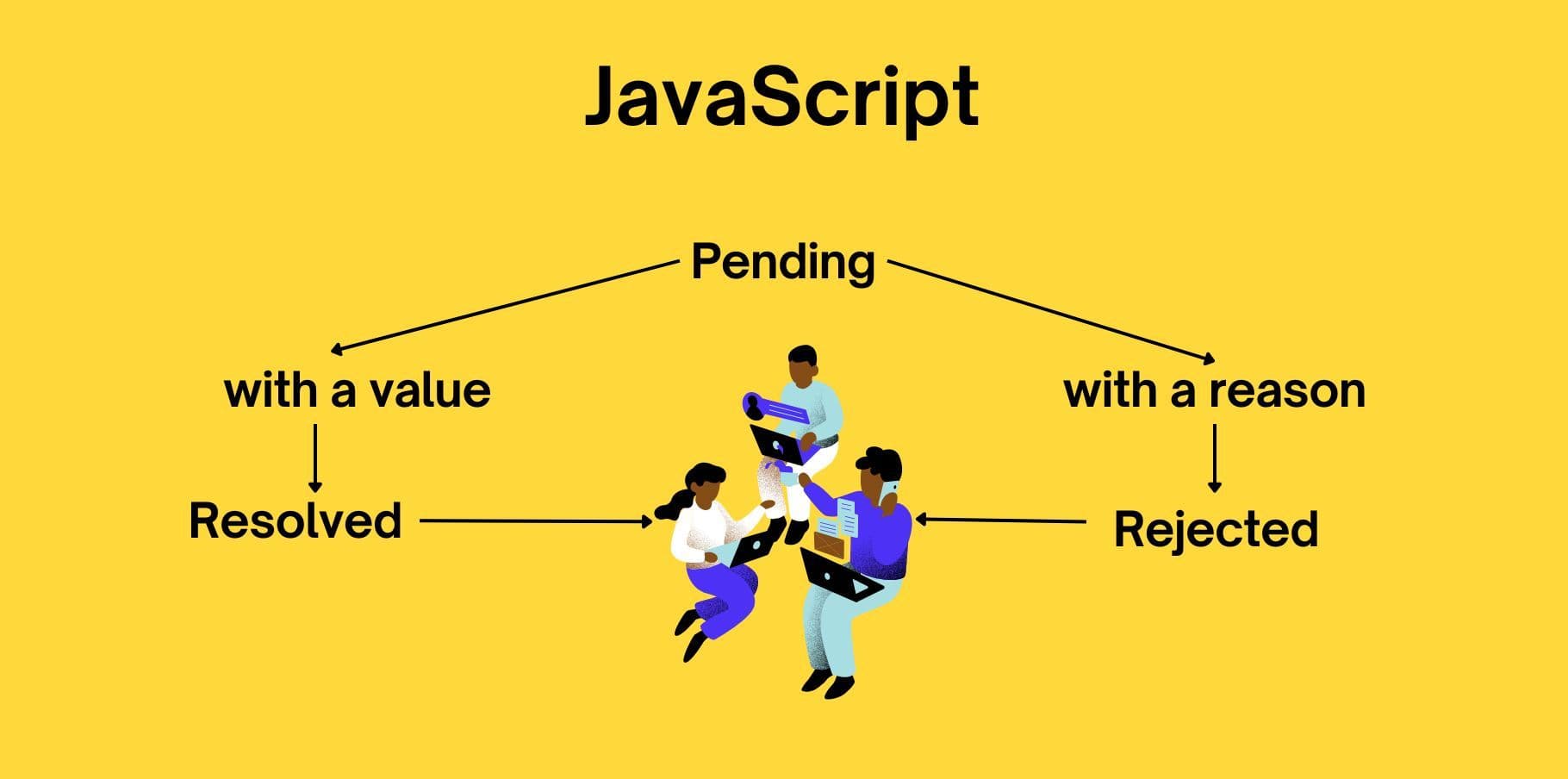
A Promise in JavaScript represents the result of an asynchronous operation. It has three possible states:
- Pending: The initial state, representing that the operation has not yet completed.
- Fulfilled: The operation completed successfully, resulting in a resolved Promise.
- Rejected: The operation failed, resulting in a rejected Promise with an error.
Promises enable cleaner and more manageable async handling compared to traditional callbacks, reducing callback hell and enhancing readability.
Example of a Basic Promise
const fetchAccountBalance = (accountId: number): Promise<number> => {
  return new Promise((resolve, reject) => {
    setTimeout(() => {
      if (accountId === 123) resolve(1000); // successful case
      else reject("Account not found"); // error case
    }, 1000);
  });
};

fetchAccountBalance(123)
  .then(balance => console.log(`Balance: $${balance}`))
  .catch(error => console.error("Error:", error));
In this example, fetchAccountBalance simulates an API call that resolves if the accountId is valid and rejects otherwise.
Promise Chaining
Promise Chaining enables us to run multiple asynchronous operations sequentially, where each operation relies on the result of the previous one. Chaining simplifies workflows that involve multiple dependent async tasks.
Example: Chaining Promises
const fetchUser = (userId: number): Promise<{ id: number; name: string }> => {
  return new Promise((resolve) => {
    setTimeout(() => resolve({ id: userId, name: "Alice" }), 1000);
  });
};

const fetchAccountDetails = (userId: number): Promise<{ balance: number }> => {
  return new Promise((resolve) => {
    setTimeout(() => resolve({ balance: 1500 }), 1000);
  });
};

// Chaining
fetchUser(1)
  .then(user => {
    console.log(`User: ${user.name}`);
    return fetchAccountDetails(user.id);
  })
  .then(account => {
    console.log(`Account Balance: $${account.balance}`);
  })
  .catch(error => console.error("Error in fetching details:", error));
Here, fetchUser completes before moving to fetchAccountDetails, maintaining consistent data flow and handling each step sequentially.
Consuming Promises
Promises can be consumed in two primary ways: Chaining with .then() and Async/Await.
Chaining with .then() and .catch()
- Usage: Suitable for sequential operations where each step depends on the previous one.
- Example: Fetching user data followed by their account details.
Async/Await Syntax
- Usage: Improves readability and is generally preferred for complex async flows.
- Error Handling: Typically handled with try-catch.
Example: Async/Await Consumption
const fetchUserDetails = async (userId: number) => {
  try {
    const user = await fetchUser(userId);
    const account = await fetchAccountDetails(user.id);
    console.log(`User: ${user.name}, Account Balance: $${account.balance}`);
  } catch (error) {
    console.error("Error fetching user details:", error);
  }
};

fetchUserDetails(1);
Async/Await is especially useful in TypeScript because TypeScript can infer types from Promises, enhancing readability and type safety. It also makes error handling more streamlined with try-catch blocks.
Real-World Example: Fintech Data
Let’s apply our understanding of Promises to a real-world fintech scenario. In this scenario, we need to:
Fetch the user’s profile.
Retrieve recent transactions related to financial products like investments, loans, and high-value deposits.
Check for significant transactions (e.g., high-value deposits or withdrawals) to generate insights for the user.
Each of these operations depends on the previous one, making this an ideal case for Promise chaining or async/await.
Example: Fintech Data with Async/Await
type User = { id: number; name: string };
type Account = { id: number; balance: number };
type Transaction = { id: number; amount: number; date: string; type: "deposit" | "withdrawal" | "investment" };

const fetchUserProfile = (userId: number): Promise<User> => {
  return new Promise((resolve) => {
    setTimeout(() => resolve({ id: userId, name: "Alice" }), 1000);
  });
};

const fetchUserAccount = (userId: number): Promise<Account> => {
  return new Promise((resolve) => {
    setTimeout(() => resolve({ id: userId, balance: 1500 }), 1000);
  });
};

const fetchTransactions = (accountId: number): Promise<Transaction[]> => {
  return new Promise((resolve) => {
    setTimeout(() => resolve([
      { id: 1, amount: -200, date: "2023-09-10", type: "withdrawal" },
      { id: 2, amount: 5000, date: "2023-09-15", type: "investment" },
    ]), 1000);
  });
};

const checkForSignificantTransactions = (transactions: Transaction[]): boolean => {
  return transactions.some(tx => Math.abs(tx.amount) >= 1000); // flagging high-value transactions
};

const getUserFintechData = async (userId: number) => {
  try {
    const user = await fetchUserProfile(userId);
    console.log(`User Profile: ${user.name}`);

    const account = await fetchUserAccount(user.id);
    console.log(`Account Balance: $${account.balance}`);

    const transactions = await fetchTransactions(account.id);
    console.log("Recent Transactions:", transactions);

    if (checkForSignificantTransactions(transactions)) {
      console.warn("Significant transactions detected!");
    } else {
      console.log("No significant transactions detected.");
    }
  } catch (error) {
    console.error("Error in fetching fintech data:", error);
  }
};

getUserFintechData(1);
In this example:
- Each function simulates an asynchronous API call.
- getUserFintechData orchestrates all calls with async/await.
- Transactions are checked for patterns indicating significant activity, such as high-value deposits or investments.
This method keeps the code clean, readable, and robust against errors. It’s easy to maintain, particularly with TypeScript's type inference ensuring we maintain type safety throughout.
Conclusion
Promises, combined with TypeScript, enhance asynchronous programming in JavaScript. By mastering chaining, async/await, and key Promise methods, developers can write robust, maintainable code for real-world scenarios, such as handling sensitive fintech data. Understanding the strengths and challenges of each approach helps ensure that our applications remain efficient and user-friendly. With TypeScript, we gain additional benefits like type safety and code predictability, which are invaluable for maintaining complex asynchronous flows.