
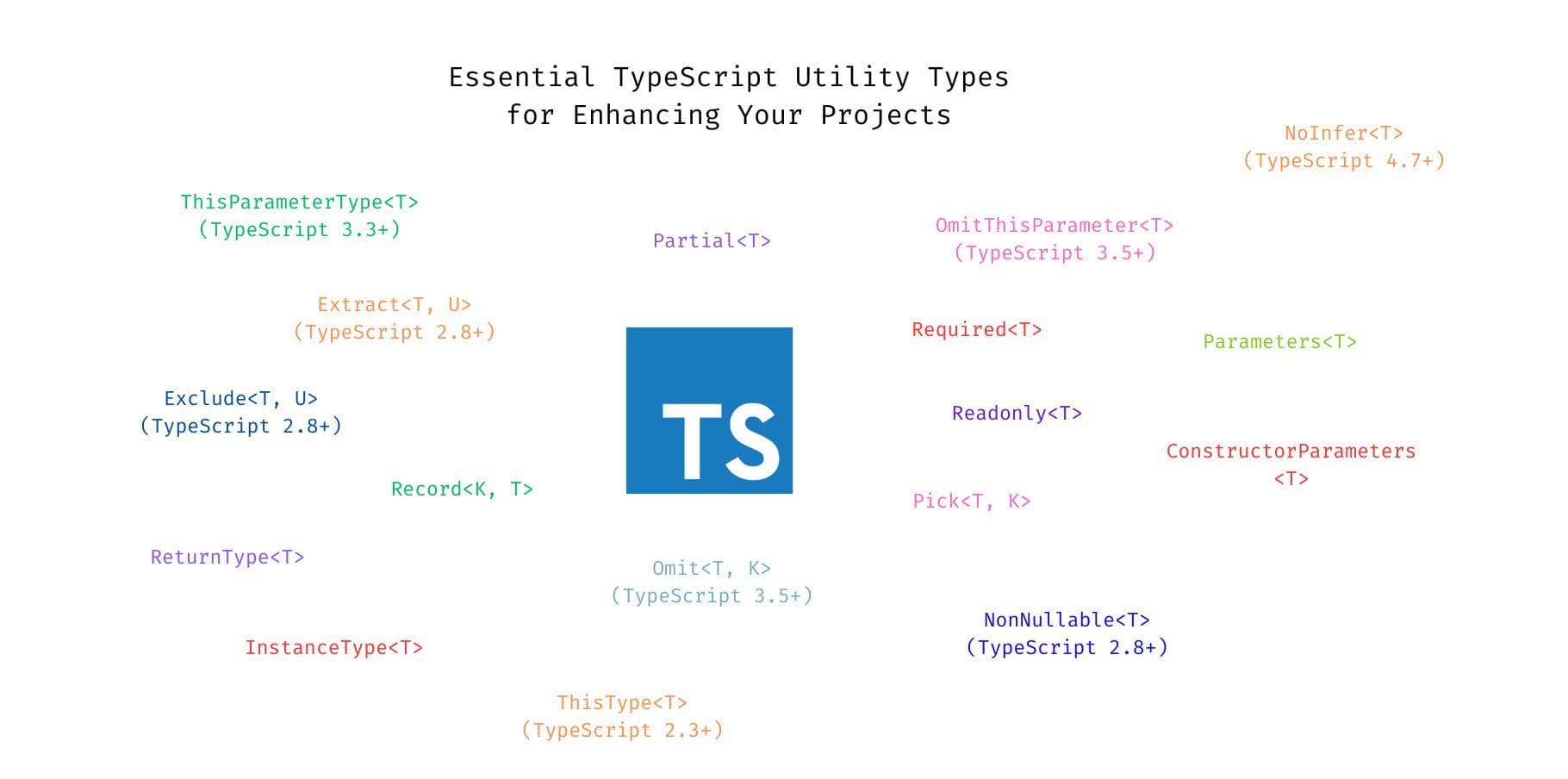
TypeScript has gained immense popularity for enhancing JavaScript with static typing, leading to more robust, maintainable, and scalable applications. One of its most powerful features is Utility Types, which allow developers to manipulate existing types in creative ways. From object manipulation to string transformations, these utility types reduce boilerplate code and provide deeper type safety.
This blog combines core and advanced TypeScript utility types, along with their TypeScript version introductions, so you can leverage the latest features to write better code.
Table of Contents:
What are TypeScript Utility Types?
Core Utility Types (TypeScript 2.1+):
- Partial<T>
- Required<T>
- Readonly<T>
- Pick<T, K>
- Omit<T, K> (TypeScript 3.5+)
- Record<K, T>
- Exclude<T, U> (TypeScript 2.8+)
- Extract<T, U> (TypeScript 2.8+)
- NonNullable<T> (TypeScript 2.8+)
Advanced Utility Types (TypeScript 2.1+):
- ReturnType<T>
- Parameters<T>
- ConstructorParameters<T>
- InstanceType<T>
- ThisParameterType<T> (TypeScript 3.3+)
- OmitThisParameter<T> (TypeScript 3.5+)
- ThisType<T> (TypeScript 2.3+)
- NoInfer<T> (TypeScript 4.7+)
Intrinsic String Manipulation Types (TypeScript 4.1+):
- Uppercase<StringType>
- Lowercase<StringType>
- Capitalize<StringType>
- Uncapitalize<StringType>
Custom Utility Types
Conclusion
1. What are TypeScript Utility Types?
Utility Types are predefined generic types that allow developers to transform and manipulate existing types more efficiently. They make code more readable and maintainable by reducing the need for boilerplate type definitions. Each TypeScript version continues to improve and add new utility types, giving developers more flexibility.
2. Core Utility Types (TypeScript 2.1+)
Introduced in TypeScript 2.1, Core Utility Types provide a basic foundation for working with object and union types.
2.1 Partial<T> (TypeScript 2.1)
Partial<T> makes all properties in type T optional. This is useful when you want to deal with objects where only some fields might be present.
interface User {
  id: number;
  name: string;
  email: string;
}

const updateUser = (id: number, newData: Partial<User>) => {
  // Update only the fields provided
};
2.2 Required<T> (TypeScript 2.1)
Required<T> makes all properties of type T mandatory, opposite of Partial<T>. It's helpful when you want to ensure an object has no missing properties.
interface Settings {
  theme?: string;
  notifications?: boolean;
}

const defaultSettings: Required<Settings> = {
  theme: "light",
  notifications: true,
};
2.3 Readonly<T> (TypeScript 2.1)
Readonly<T> makes all properties in type T immutable, ensuring that object properties cannot be reassigned.
interface User {
  id: number;
  name: string;
}

const user: Readonly<User> = { id: 1, name: "John" };
// user.name = "Jane"; // Error: Cannot assign to 'name' because it is a read-only property
2.4 Pick<T, K> (TypeScript 2.1)
Pick<T, K> creates a new type by selecting specific properties K from type T.
interface User {
  id: number;
  name: string;
  email: string;
}

type UserPreview = Pick<User, "id" | "name">;
2.5 Omit<T, K> (TypeScript 3.5+)
Omit<T, K> (introduced in TypeScript 3.5) creates a new type by excluding properties K from type T. It's the reverse of Pick.
type UserWithoutEmail = Omit<User, "email">;2.6 Record<K, T> (TypeScript 2.1)
Record<K, T> creates an object type where keys K are mapped to values of type T.
type Role = "admin" | "user";
const permissions: Record<Role, boolean> = { admin: true, user: false };
2.7 Exclude<T, U> (TypeScript 2.8)
Exclude<T, U> constructs a type by removing from T all types that are assignable to U.
type Events = "click" | "scroll" | "hover";
type MouseEvents = Exclude<Events, "scroll">; // "click" | "hover"
2.8 Extract<T, U> (TypeScript 2.8)
Extract<T, U> extracts types from T that are assignable to U.
type MouseEvents = Extract<Events, "click" | "hover">; // "click" | "hover"2.9 NonNullable<T> (TypeScript 2.8)
NonNullable<T> removes null and undefined from a type T.
type MaybeString = string | null | undefined;
type NonNullString = NonNullable<MaybeString>; // string
3. Advanced Utility Types (TypeScript 2.1+)
Advanced utility types allow for even more sophisticated type manipulation, particularly in functions, classes, and object methods.
3.1 ReturnType<T> (TypeScript 2.1)
ReturnType<T> extracts the return type of a function T.
function getUser() {
  return { id: 1, name: "John" };
}
type UserType = ReturnType<typeof getUser>; // { id: number, name: string }
3.2 Parameters<T> (TypeScript 2.1)
Parameters<T> extracts the types of parameters of a function T as a tuple.
function updateUser(id: number, name: string) {}
type UpdateUserParams = Parameters<typeof updateUser>; // [number, string]
3.3 ConstructorParameters<T> (TypeScript 2.1)
ConstructorParameters<T> extracts the types of parameters of a class constructor T.
class User {
  constructor(public id: number, public name: string) {}
}
type UserConstructorParams = ConstructorParameters<typeof User>; // [number, string]
3.4 InstanceType<T> (TypeScript 2.1)
InstanceType<T> gets the instance type of a class constructor T.
type UserInstance = InstanceType<typeof User>; // User3.5 ThisParameterType<T> (TypeScript 3.3)
ThisParameterType<T> extracts the type of the this parameter from a function type T.
function greet(this: { name: string }, greeting: string) {
  console.log(`${greeting}, ${this.name}`);
}
type GreetThis = ThisParameterType<typeof greet>; // { name: string }
3.6 OmitThisParameter<T> (TypeScript 3.5)
OmitThisParameter<T> removes the this parameter from a function type.
const greeter: OmitThisParameter<typeof greet> = (greeting) => {
  console.log(greeting);
};
greeter("Hello"); // "this" is no longer required
3.7 ThisType<T> (TypeScript 2.3)
ThisType<T> is a utility type used to specify the type of this in an object or class.
type ObjectDescriptor<D, M> = {
  data?: D;
  methods?: M & ThisType<D & M>;
};
const obj: ObjectDescriptor<{ x: number }, { increment(): void }> = {
  data: { x: 0 },
  methods: {
    increment() {
      this.x++;
    },
  },
};
3.8 NoInfer<T> (TypeScript 4.7)
NoInfer<T> prevents TypeScript from automatically inferring a type for T.
function processInput<T>(input: NoInfer<T>, value: T) {}
processInput<number>("text", 42); // Error: 'text' is not assignable to 'number'
4. Intrinsic String Manipulation Types (TypeScript 4.1+)
Introduced in TypeScript 4.1, Intrinsic String Manipulation Types allow for compile-time transformations of string literal types.
4.1 Uppercase<StringType> (TypeScript 4.1)
Uppercase<StringType> converts a string literal to its uppercase version.
type UpperCaseGreeting = Uppercase<"hello">; // "HELLO"4.2 Lowercase<StringType> (TypeScript 4.1)
Lowercase<StringType> converts a string literal to its lowercase version.
type LowerCaseGreeting = Lowercase<"HELLO">; // "hello"
4.3 Capitalize<StringType> (TypeScript 4.1)
Capitalize<StringType> capitalizes the first letter of a string literal.
type CapitalizedGreeting = Capitalize<"hello">; // "Hello"4.4 Uncapitalize<StringType> (TypeScript 4.1)
Uncapitalize<StringType> transforms the first letter of a string literal to lowercase.
type UncapitalizedGreeting = Uncapitalize<"Hello">; // "hello"
5. Custom Utility Types
Besides built-in utilities, developers can create their own types by combining mapped types, conditional types, and intrinsic types.
For example:
type OptionalReadonly<T> = {
  readonly [K in keyof T]?: T[K];
};

interface User {
  id: number;
  name: string;
}

const user: OptionalReadonly<User> = { id: 1 };
6. Conclusion
From core utility types like Partial<T> and Pick<T, K> to more advanced types such as ThisParameterType<T> and string manipulation types like Uppercase, TypeScript's utility types are incredibly powerful. With each new version, TypeScript introduces more utility types, giving developers the tools to write cleaner, more maintainable code.
Understanding and mastering these utility types will not only improve your productivity but also ensure that your applications are more type-safe, future-proof, and scalable.
By leveraging both the core and advanced utility types available in TypeScript, you can write better, cleaner, and more robust code, transforming how you work with types in TypeScript!