
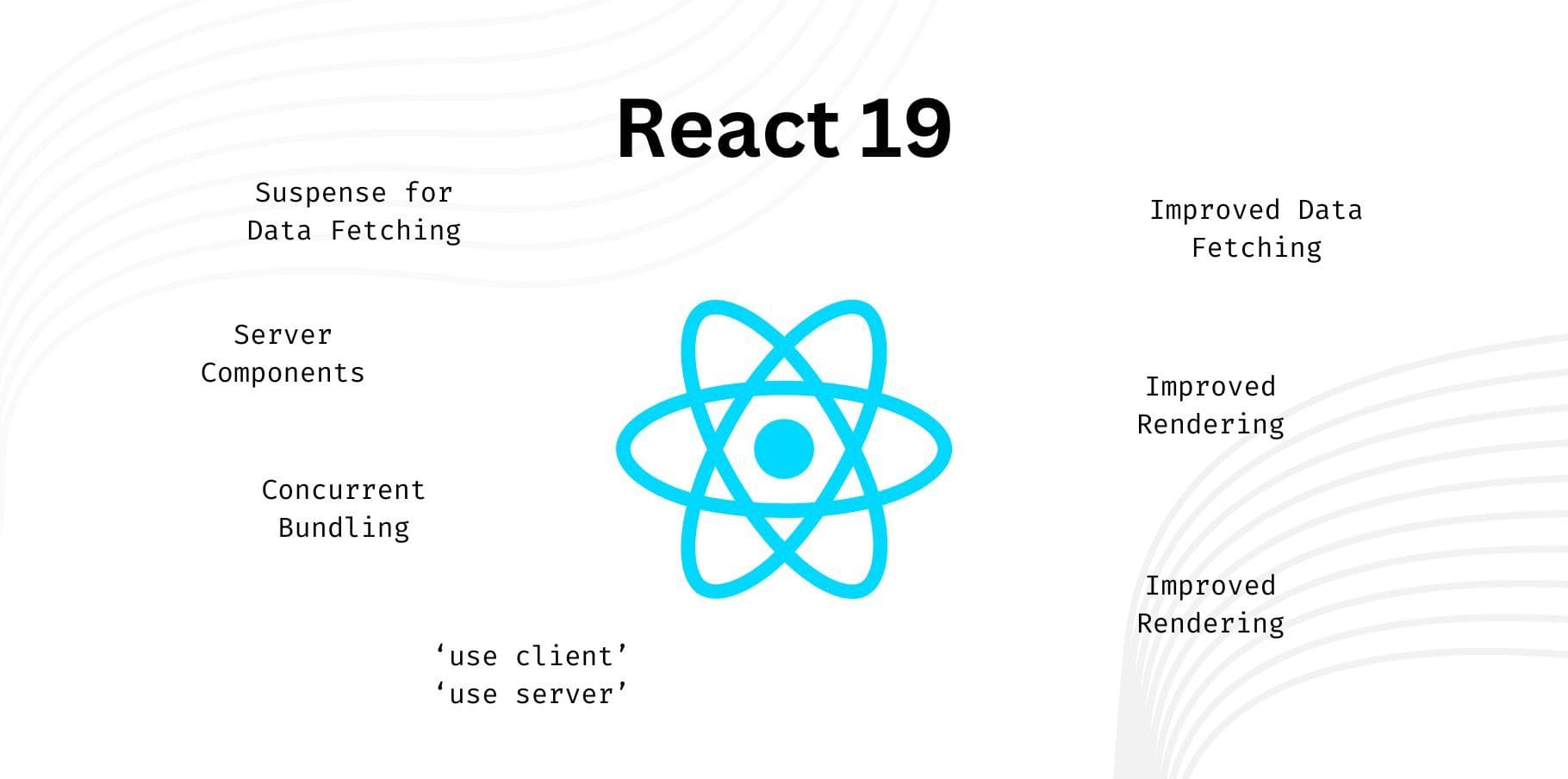
React 19 is almost here, bringing a host of exciting new features and improvements designed to enhance performance, usability, and developer experience. Many of these features were experimental in React 18 but are now stable and ready for production use.
In this post, we’ll walk you through the key features and changes in React 19.
1. React Server Components (RSC)
Server Components allow React to render components on the server, reducing the amount of JavaScript sent to the client. This improves page load performance and offers better SEO optimization. Here’s a sample of how a server-rendered component works:
type Product = {
  id: number;
  title: string;
  description: string;
};

export default async function Page() {
  const res = await fetch("https://api.example.com/products");
  const products: Product[] = await res.json();

  return (
    <>
      <h1>Products</h1>
      {products.map((product) => (
        <div key={product.id}>
          <h2>{product.title}</h2>
          <p>{product.description}</p>
        </div>
      ))}
    </>
  );
}
2. New Directives: 'use client' and 'use server'
React 19 introduces the 'use client' and 'use server' directives to better control code execution on the server or client. Use 'use client' for client-side logic and 'use server' for server-side logic.
// Client Component (use client)
'use client';

import { useState } from 'react';

export default function Counter() {
  const [count, setCount] = useState<number>(0);

  return <button onClick={() => setCount(count + 1)}>{count}</button>;
}
3. Actions
Actions simplify form submission and other user interactions by integrating directly with React transitions and concurrency. With Server Actions, you can execute form submissions server-side, reducing client-side complexity.
type TodoItem = {
  text: string;
};

export default function TodoApp() {
  const [items, setItems] = useState<TodoItem[]>([{ text: "My first todo" }]);

  async function formAction(formData: FormData) {
    const newItem = formData.get("item") as string;
    setItems((items) => [...items, { text: newItem }]);
  }

  return (
    <form action={formAction}>
      <input type="text" name="item" placeholder="Add todo..." />
      <button type="submit">Add</button>
    </form>
  );
}
4. New Hooks: useActionState, useFormStatus, and useOptimistic
React 19 introduces several hooks to simplify form handling and UI updates.
useActionState: Manages form states, submission, and error handling.
This hook helps manage form submissions and tracks loading, success, and error states.
import { useActionState } from 'react';

type FormState = {
  message: string;
};

async function createUser(formData: FormData) {
  // server-side form handling logic
}

export default function UserForm() {
  const [state, submitAction, pending] = useActionState<FormState>(createUser, { message: "" });

  return (
    <form action={submitAction}>
      <input type="text" name="username" required />
      {state?.message && <p>{state.message}</p>}
      <button type="submit" disabled={pending}>
        {pending ? "Submitting..." : "Submit"}
      </button>
    </form>
  );
}
useFormStatus: Tracks the status of a form submission.
This is especially useful when managing multiple forms on the same page, allowing you to track whether a form is pending or completed.
import { useFormStatus } from 'react';

export default function SubmitButton() {
  const status = useFormStatus();

  return (
    <button disabled={status.pending}>
      {status.pending ? "Submitting..." : "Submit"}
    </button>
  );
}
useOptimistic: Optimistic UI updates before server responses.
This hook allows you to update the UI optimistically, reflecting the new state before receiving the server's response.
import { useOptimistic } from 'react';

type Message = {
  text: string;
};

export default function ChatApp() {
  const [messages, addMessage] = useOptimistic<Message[], string>(
    [],
    (currentMessages, newMessage) => [...currentMessages, { text: newMessage }]
  );

  function handleSubmit(event: React.FormEvent<HTMLFormElement>) {
    event.preventDefault();
    const message = (event.target as HTMLFormElement).elements.message.value;
    addMessage(message); // Optimistic update
    // Send message to server here
  }

  return (
    <div>
      <ul>
        {messages.map((msg, index) => (
          <li key={index}>{msg.text}</li>
        ))}
      </ul>
      <form onSubmit={handleSubmit}>
        <input name="message" type="text" placeholder="Type a message..." />
        <button type="submit">Send</button>
      </form>
    </div>
  );
}
5. Document Metadata
In React 19, you can define page metadata directly in React components, making it easier to set the page title, meta tags, and other important document metadata without using third-party libraries.
import { useDocumentMetadata } from 'react';

export default function Page() {
  useDocumentMetadata({
    title: 'My React Page',
    description: 'This is a page built with React 19.',
    meta: {
      keywords: 'React, JavaScript, Web Development',
    },
  });

  return (
    <div>
      <h1>Welcome to My React Page</h1>
    </div>
  );
}
6. Asset Loading
React 19 introduces enhanced asset loading APIs to optimize resource fetching. The new preload, preconnect, preinit, and prefetchDNS directives help ensure critical resources are loaded as early as possible.
Preload and Preconnect Example:
import { preload, preconnect } from 'react-dom';

export default function MyComponent() {
  preinit('https://example.com/style.css', { as: 'style' });
  preload('https://example.com/image.jpg', { as: 'image' });
  preconnect('https://example.com');

  return <div>Content loading with optimized resources...</div>;
}
These directives allow React to load assets like images, stylesheets, and fonts earlier in the rendering process, significantly improving page performance.
7. Improved Error Handling
React 19 introduces better error handling mechanisms, including reducing noisy hydration errors and improving root error reporting.
Hydration Error Handling:
Hydration warning: Mismatch detected in text content.React now aggregates errors into a single, more informative message, making it easier to diagnose and fix hydration issues.
Enhanced Root Error Handling:
const root = createRoot(document.getElementById("root")!, {
  onCaughtError: (error: Error) => console.error("Caught by boundary:", error),
  onUncaughtError: (error: Error) => console.error("Uncaught:", error),
});
These improvements make debugging and error tracking more efficient, with clearer messages for hydration and runtime issues.
Conclusion
React 19 brings several new features and enhancements aimed at improving both the developer experience and overall app performance. Here's a summary of the key changes:
- React Server Components for faster page loads and improved SEO.
- New directives ('use client' and 'use server') for better control over where your code runs.
- Server and Client Actions to simplify form handling and submission.
- New hooks (useActionState, useFormStatus, useOptimistic) to streamline form submissions, status tracking, and optimistic UI updates.
- Document Metadata API for declarative SEO metadata management in components.
- Improved Asset Loading with preload, preconnect, and other APIs for optimizing resource fetching.
- Enhanced Error Handling for clearer diagnostics and error messages during development.