
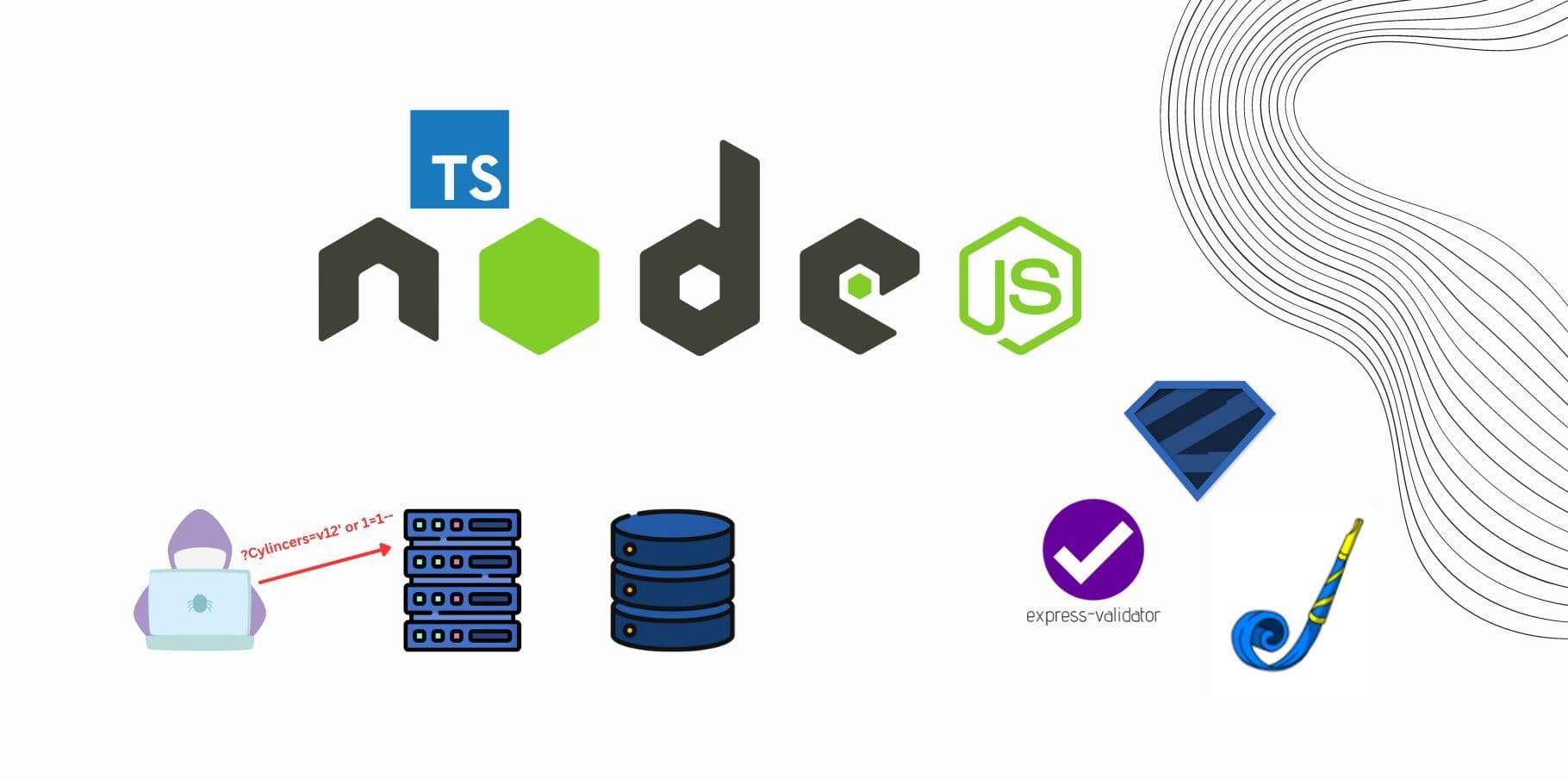
Welcome back to the fourth post in our series on Security Practices for Express APIs! In this series, we’ve already covered crucial topics such as HTTPS encryption, Authentication and Authorization, and Rate Limiting. Today, we’ll dive into another essential security practice for APIs: Input Validation and Sanitization.
Input validation and sanitization are critical for protecting your API from common web vulnerabilities such as SQL Injection, Cross-Site Scripting (XSS), and more. In this post, we will explore different tools and libraries like Joi, Zod, and express-validator to help ensure that all input data coming into your API is clean, safe, and properly structured.
Why Input Validation and Sanitization Are Important
- Validation ensures that incoming data meets the requirements set by your API. For instance, you can verify that an email address is in the correct format or that a username meets certain length requirements.
- Sanitization involves cleaning the data to remove potentially malicious content, such as scripts or SQL commands, that could exploit vulnerabilities in your API or database.
By implementing validation and sanitization, you can prevent malicious users from injecting harmful code, overloading your API with improper data, or causing application crashes.
1. Input Validation Using Joi
Joi is a powerful schema validation library that makes defining and validating data structures simple. It's highly flexible and can handle complex validation logic, such as ensuring fields are of certain types, checking minimum or maximum values, and more.
Example: Validating a User Registration Input with Joi
import express from 'express';
import Joi from 'joi';

const app = express();
app.use(express.json());

// Define a Joi schema for user registration
const userSchema = Joi.object({
  username: Joi.string().min(3).max(30).required(),
  password: Joi.string().min(8).required(),
  email: Joi.string().email().required(),
  age: Joi.number().min(18).required()
});

// Validation middleware
const validateUser = (req: express.Request, res: express.Response, next: express.NextFunction) => {
  const { error } = userSchema.validate(req.body);
  if (error) {
    return res.status(400).json({ error: error.details[0].message });
  }
  next();
};

// Registration route
app.post('/register', validateUser, (req: express.Request, res: express.Response) => {
  // Handle user registration logic
  res.send('User registered successfully');
});

app.listen(3000, () => {
  console.log('Server running on port 3000');
});
In this example, we use Joi to define the expected structure for user registration data. The validateUser middleware checks the input against the schema and rejects invalid data, ensuring that the request meets the API's criteria.
2. Input Validation Using Zod
Zod is another validation library similar to Joi but more TypeScript-friendly. It has a highly expressive API and provides full TypeScript support, making it ideal for strongly-typed Node.js applications.
Example: Validating and Typing with Zod
import express from 'express';
import { z } from 'zod';

const app = express();
app.use(express.json());

// Define a Zod schema for product input
const productSchema = z.object({
  name: z.string().min(3),
  price: z.number().min(0),
  inStock: z.boolean(),
});

// Middleware for validation
const validateProduct = (req: express.Request, res: express.Response, next: express.NextFunction) => {
  const result = productSchema.safeParse(req.body);
  if (!result.success) {
    return res.status(400).json({ error: result.error.errors });
  }
  next();
};

// Product route
app.post('/product', validateProduct, (req: express.Request, res: express.Response) => {
  res.send('Product created successfully');
});

app.listen(3000, () => {
  console.log('Server running on port 3000');
});
In this case, we use Zod to define and validate a product object. The safeParse method ensures that the incoming data is valid, and if not, it returns detailed error messages. Since Zod works seamlessly with TypeScript, the input validation integrates smoothly with your type definitions.
3. Input Validation and Sanitization Using express-validator
express-validator is a popular package that provides a collection of middleware for validating and sanitizing input in Express applications. It uses a declarative approach, and since it is designed specifically for Express, it integrates smoothly with the framework.
Example: Using express-validator for Input Validation and Sanitization
import express from 'express';
import { body, validationResult } from 'express-validator';

const app = express();
app.use(express.json());

// User input validation rules
const userValidationRules = [
  body('username').isLength({ min: 3 }).withMessage('Username must be at least 3 characters long'),
  body('email').isEmail().withMessage('Invalid email format'),
  body('password').isLength({ min: 8 }).withMessage('Password must be at least 8 characters long'),
  body('age').isInt({ min: 18 }).withMessage('Age must be 18 or older'),
  body('username').trim().escape(),  // Sanitizing username (trim and escape potentially harmful characters)
  body('email').normalizeEmail(),     // Sanitizing email (normalize to a safe format)
];

// Middleware to check for validation errors
const validateUserInput = (req: express.Request, res: express.Response, next: express.NextFunction) => {
  const errors = validationResult(req);
  if (!errors.isEmpty()) {
    return res.status(400).json({ errors: errors.array() });
  }
  next();
};

// Route for user registration
app.post('/register', userValidationRules, validateUserInput, (req: express.Request, res: express.Response) => {
  res.send('User registered successfully with validated and sanitized input');
});

app.listen(3000, () => {
  console.log('Server running on port 3000');
});
In this example, we use express-validator to define validation rules for user registration. Each field has specific validation checks, and sanitization functions (like trim, escape, and normalizeEmail) ensure that the data is clean and safe before processing.
Best Practices for Input Validation and Sanitization
Validate All User Input: Never assume incoming data is valid. Validate all user inputs, even for fields that seem trivial.
Sanitize Input Data: In addition to validation, always sanitize inputs to prevent malicious data like embedded scripts (e.g., XSS attacks) from harming your API or front-end applications.
Use Schema Validation: Libraries like Joi and Zod make it easy to define and validate complex data structures. Always use schema-based validation for any structured input data.
Handle Errors Gracefully: When validation fails, return clear and informative error messages so users or developers can correct the input.
Conclusion
In this post, we’ve covered the importance of input validation and sanitization to keep your APIs secure and reliable. Whether you choose Joi, Zod, or express-validator, each of these libraries provides robust mechanisms to ensure that the data flowing through your API is valid and safe.
By validating input and sanitizing it where necessary, you can safeguard your API from many common attack vectors such as SQL injection, XSS, and more. It's a small but powerful step towards creating a more secure API environment.
What’s Next?
In the next post of this series, we’ll discuss Error Handling and Logging—key practices for identifying and responding to issues in your API. Proper error handling ensures that your API fails gracefully and provides informative responses without exposing sensitive details.
Stay tuned for Part 5, where we’ll dive into Error Handling and Logging in Express APIs!